Home › All rules › Community › Pcf Model Driven Apps Copilot Instructions
Pcf Model Driven Apps Copilot Instructions
Code components for model-driven apps implementation and configuration
GitHub CopilotAny stackCommunity (MIT)
How to use
Save this as .github/instructions/pcf-model-driven-apps.instructions.md in your project, commit it, and GitHub Copilot will apply it to matching files. Review it first: community files can be opinionated or out of date.
Note: Review and test before use. Provided as is, without warranty. See Terms.
.github/instructions/pcf-model-driven-apps.instructions.mdDownload ---
description: 'Code components for model-driven apps implementation and configuration'
applyTo: '**/*.{ts,tsx,js,json,xml,pcfproj,csproj}'
---
# Code Components for Model-Driven Apps
Power Apps component framework gives developers the ability to extend the visualizations in model-driven apps. Professional developers can create, debug, import, and add code components to model-driven apps using [Microsoft Power Platform CLI](https://learn.microsoft.com/en-us/power-apps/developer/component-framework/get-powerapps-cli).
## Component Usage
You can add code components to:
- Columns
- Grids
- Sub grids
in model-driven apps.
> **Important**: Power Apps component framework is enabled for model-driven apps by default. See [Code components for canvas apps](https://learn.microsoft.com/en-us/power-apps/developer/component-framework/component-framework-for-canvas-apps) to learn how to enable Power Apps component framework for canvas apps.
## Implementing Code Components
Before you start creating code components, make sure that you have installed all the [prerequisites](https://learn.microsoft.com/en-us/power-apps/developer/component-framework/create-custom-controls-using-pcf#prerequisites) that are required to develop components using Power Apps component framework.
The [create your first code component](https://learn.microsoft.com/en-us/power-apps/developer/component-framework/implementing-controls-using-typescript) article demonstrates the step-by-step process to create code components.
## Add Code Components to Model-Driven Apps
To add code components to a column or a table in model-driven apps, see [Add code components to model-driven apps](https://learn.microsoft.com/en-us/power-apps/developer/component-framework/add-custom-controls-to-a-field-or-entity).
### Examples
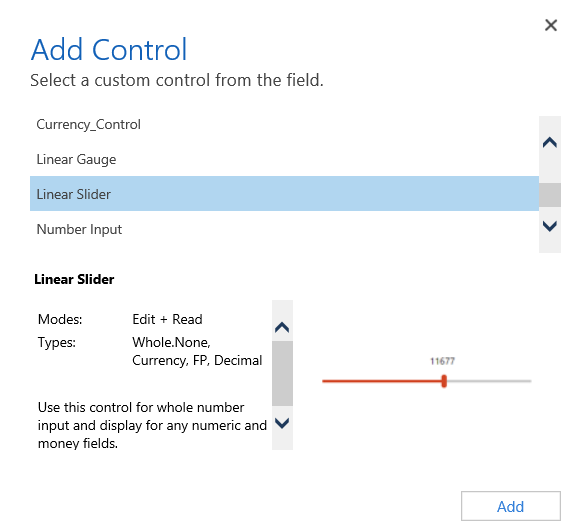
**Linear Slider Control:**
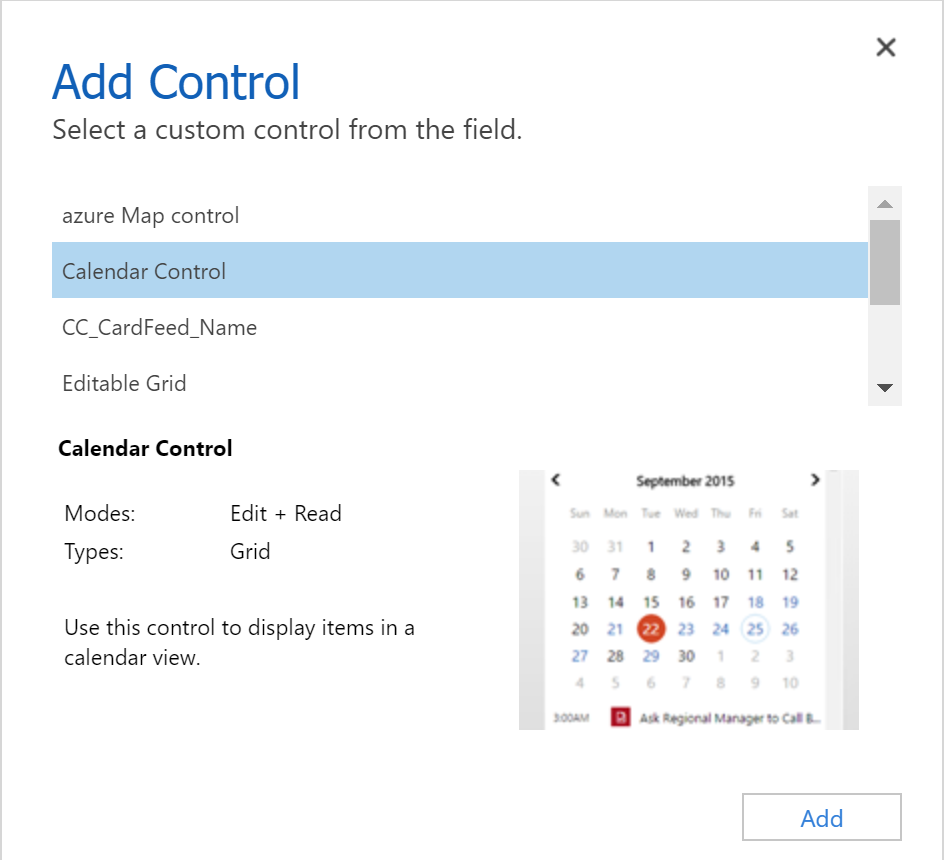
**Data Set Grid Component:**
## Update Existing Code Components
Whenever you update the code components and want to see the changes in runtime, you need to bump the version property in the manifest file.
**Best Practice**: It is recommended to always bump the version of the component whenever you make changes.
## See Also
- [Power Apps component framework overview](https://learn.microsoft.com/en-us/power-apps/developer/component-framework/overview)
- [Create your first code component](https://learn.microsoft.com/en-us/power-apps/developer/component-framework/implementing-controls-using-typescript)
- [Learn Power Apps component framework](https://learn.microsoft.com/en-us/training/paths/use-power-apps-component-framework)